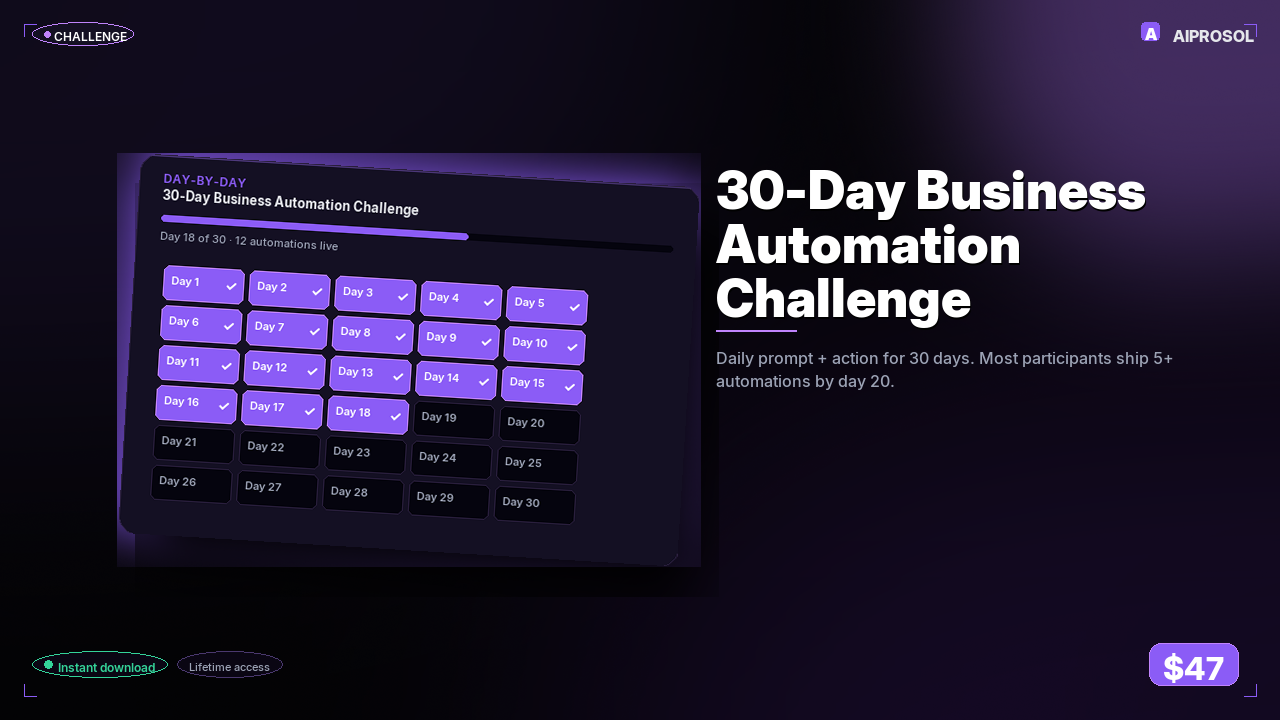
Most automation guides hand you a pile of templates and wish you luck. This one gives you a job to do every morning, and a way to know you actually did it.
Thirty days. One process automated each day. Fifteen to twenty-five minutes a sitting, except Day 1, which runs about thirty because you're setting up the workbench. By the end you have thirty automations actually running in your business, not thirty ideas in a notebook. Day 1 builds the control panel: a Make.com account, a Google Sheet called Automation Log, and a Slack channel you post every first run into so you can verify it worked. Day 2 logs every Stripe payment to a sheet and pings Slack the moment a charge lands. Day 3 reads inbound Gmail, classifies each message into one of seven categories with a single AI call, and applies the right label. By Day 5 new sales leads are creating CRM records on their own, with the name and company pulled straight out of the email signature.
The order is not decorative. Days 1 through 7 build the foundation tools you reuse for the rest of the month, so skipping ahead just means rebuilding the same plumbing later. Day 3's email classifier becomes the trigger for Day 4's draft replies and Day 5's CRM records. That's the whole point: each build sits on top of the last one, which is why the time saved keeps climbing instead of plateauing.
What a single day looks like
Every day follows the same shape, so you never have to figure out where to start. You get the named process and the exact tools, the strategic reason it comes today and not some other day, the step-by-step recipe, a success criterion you can check in seconds, the pitfalls people actually hit, and the one number to measure. Day 2's success criterion, for instance, is concrete: fire a one-dollar test charge with card 4242 4242 4242 4242 in Stripe test mode, and watch the row appear in your sheet within two seconds. If it doesn't, the pitfall note tells you to go check Stripe's webhook log, because test mode and live mode are separate webhooks and most people forget the second one.
You'll need a free Make or Zapier account, a Google account, an email account, and optionally Slack. Total platform spend across the whole challenge runs zero to thirty dollars, most of it pennies-per-email AI calls. The free tiers cover roughly half of it outright.
Work at your own pace. Fall behind and you pick up where you left off rather than restarting, because the compounding is what matters, not the calendar. The catalogue also ships 25 importable n8n workflow starters across sales, customer success, operations, finance, marketing, and people, so the builds you like can be lifted straight into your own stack.